
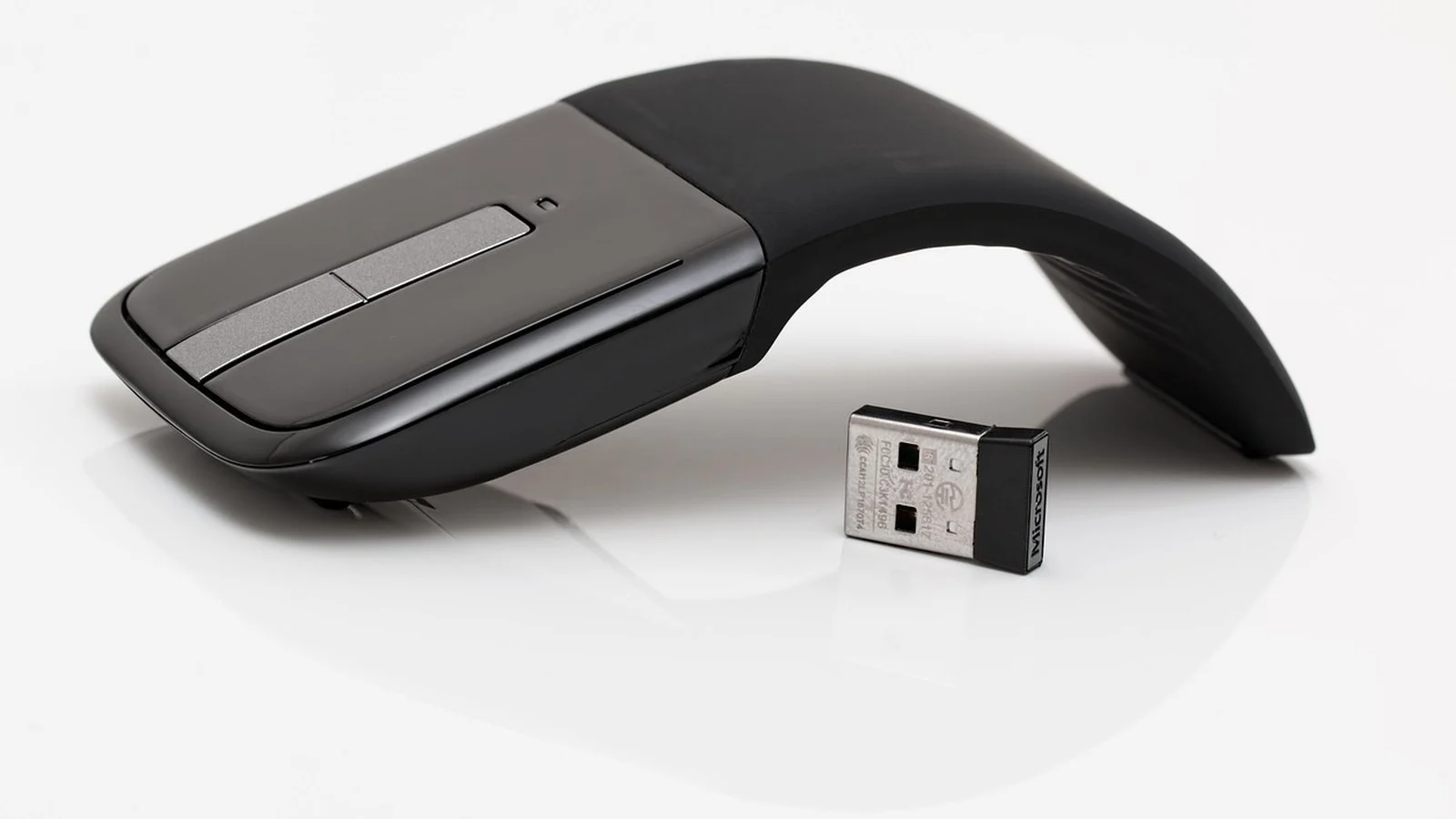
Microsoft is launching a second-generation Surface Mouse next month, and it adds two things the original never had: haptic feedback and a customisable action button. The Surface Mouse haptic feedback system delivers a small physical response at moments that used to be purely visual: a click registering, a window snapping into place, an object aligning correctly. The action button sits ready for one-touch access to Copilot by default, though it can be reassigned to other shortcuts through the Surface app. Bluetooth 6.0 connectivity and an ambidextrous shell round out the changes, meaning the same physical mouse works in either hand rather than requiring a mirrored left-handed version.
What the customisable action button does
The button is new hardware, not a repurposed click zone: the Surface Mouse has never shipped with a dedicated, reassignable button before this generation. Out of the box it opens Copilot, unsurprising given how hard Microsoft has pushed the assistant across its keyboards and now its pointing devices. Owners who would rather not have a Copilot shortcut under their finger can remap it inside the Surface app to other actions Microsoft exposes there. Microsoft has not published the full list of alternative shortcuts available at launch, so the ceiling on what the button can actually do is still unclear.
How Surface Mouse haptic feedback works
The vibration side ties into Windows 11‘s Haptic Signals framework, the same system Windows already uses to give touchpads and pens a physical response to on-screen events. Brett Ostrum, Microsoft’s corporate vice president of Surface Devices, described the effect to The Verge: “Its haptic feedback adds a small, purposeful physical response to the moment you usually only see on a screen: a click registering, a window snapping into place or an object aligning just right. It is subtle by design, but noticeable within seconds.”
That framing matters because it puts the Surface Mouse in the same category as Microsoft’s other Haptic Signals hardware rather than treating vibration as a novelty add-on. The mouse is meant to register events the operating system already tracks and surfaces through that framework, not invent its own vocabulary of buzzes. Whether third-party apps get to trigger their own haptic events, or whether it stays limited to Windows shell interactions, is not addressed in what Microsoft has said so far.
Why this is arriving now
Microsoft’s own announcement frames the mouse as an accessory to a bigger launch, not a standalone reveal. It appears in the same blog post introducing the Surface Pro 12-inch and Surface Laptop 13-inch, the first Surface devices built around Qualcomm’s Snapdragon X2. Neither outlet covering the mouse led with that context. By our arithmetic, coverage landing within five minutes across outlets points to a coordinated embargo lift timed to that device launch, rather than two newsrooms independently arriving at the same story. Read alongside the primary announcement, the mouse looks less like a product refresh in its own right and more like Microsoft filling out the accessory line for a new Copilot+ PC generation.
What to watch next
Microsoft hasn’t confirmed a specific release date or price beyond “next month,” and it hasn’t detailed the full set of remappable action-button shortcuts. Both should surface as the Surface Pro 12-inch and Surface Laptop 13-inch launch gets closer, since Microsoft has tied the mouse’s arrival to that timeline rather than giving it a release window of its own.