
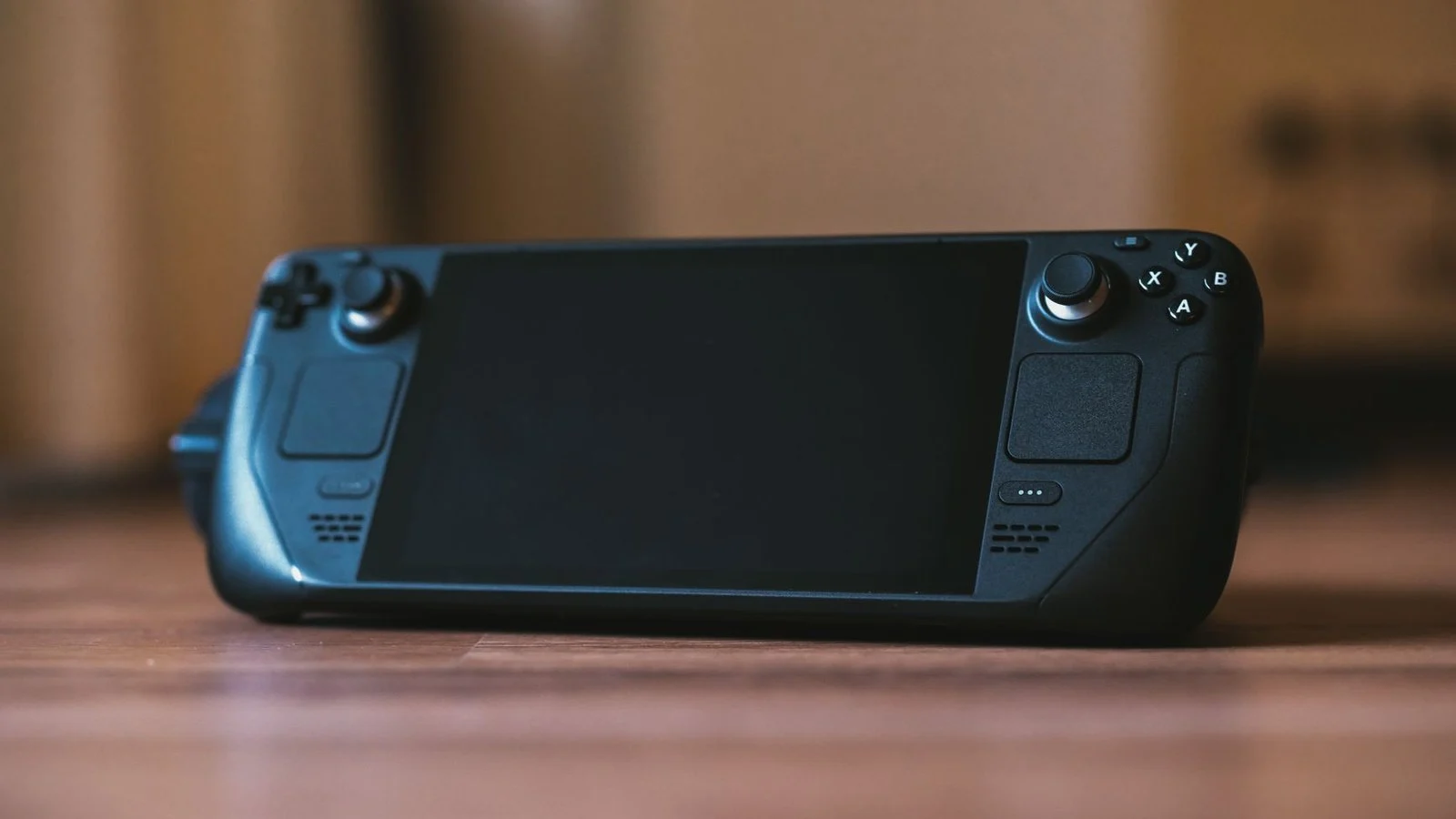
Valve has pushed a new Steam client beta that adds a Big Art Mode layout to Big Picture Mode and the Steam Deck interface, dropping the standard grid of game shelves for a vertical carousel with the highlighted game’s artwork filling the background. The change lands as Valve’s own Steam Machine reaches early buyers, and it continues the rework of the Big Picture and handheld interface that has been going on since the original Deck launched. The beta is opt-in through Steam’s settings menu, and Valve’s own release notes lay out everything included, from the new layout to a screensaver feature.
What Big Art Mode changes on screen
The standard Big Picture layout places shelves of games side by side across the whole screen. Big Art Mode instead shrinks the carousel of recently played titles down to a row near the bottom and fills the rest of the display with full-screen art from whichever game is highlighted. TechPowerUp points out that the effect is close to what Deck owners have already been getting from DeckyLoader, a third-party, community-built tool that reskins the Steam Deck interface; Valve’s version now builds the same look directly into the client rather than leaving it to a plugin.
Every shelf and category from the old layout is still there, it has just moved further down the page, so browsing your full library still works the same way, you simply scroll to reach it.
Screensavers and the rest of the beta
The same beta adds a dedicated screensaver that triggers after Big Picture Mode has sat idle for a set period. Options include a slideshow built from artwork and screenshots of recently played games, a folder of your own images, or a retro-styled bouncing Steam logo. Valve’s release notes also list an optional personal calendar for the Home screen, faster startup times, optimised game recording in some DX12 titles, and fixes for frame-rate hitches when capturing screenshots in DX11 and DX12 games on Windows. To try any of it, players opt into the beta through Steam’s settings, then switch on the new layout under Settings > Home and set up screensavers under Settings > Customisation.
How this fits with Steam Deck’s other beta work
Big Art Mode arrives alongside Valve’s separate push to modernise the Deck’s software underneath the interface. We covered the SteamOS 3.9 preview on 30 August 2026, when the changes were happening at the OS level: a jump to KDE Plasma 6.7 and Linux 7.2. Big Art Mode is the opposite kind of update. It touches only the Big Picture front end that Deck owners and living-room PC users actually look at, and it ships through the Steam client beta rather than a SteamOS image, so it reaches any PC running Big Picture Mode on a TV, not just the Deck.
The interest in that front end is easy to explain: handheld PCs built around Steam’s own software keep multiplying, from Valve’s Steam Machine down to smaller projects such as Arduview’s transparent handheld console chasing the same Deck-owning audience.
What to watch next
Valve hasn’t said when Big Art Mode will leave the beta channel for Steam’s stable branch, or whether it will replace the current layout by default on Steam Deck. For now it stays opt-in, and anyone running the beta on a Deck or a Big Picture-connected PC can switch back to the old grid at any time.